
1
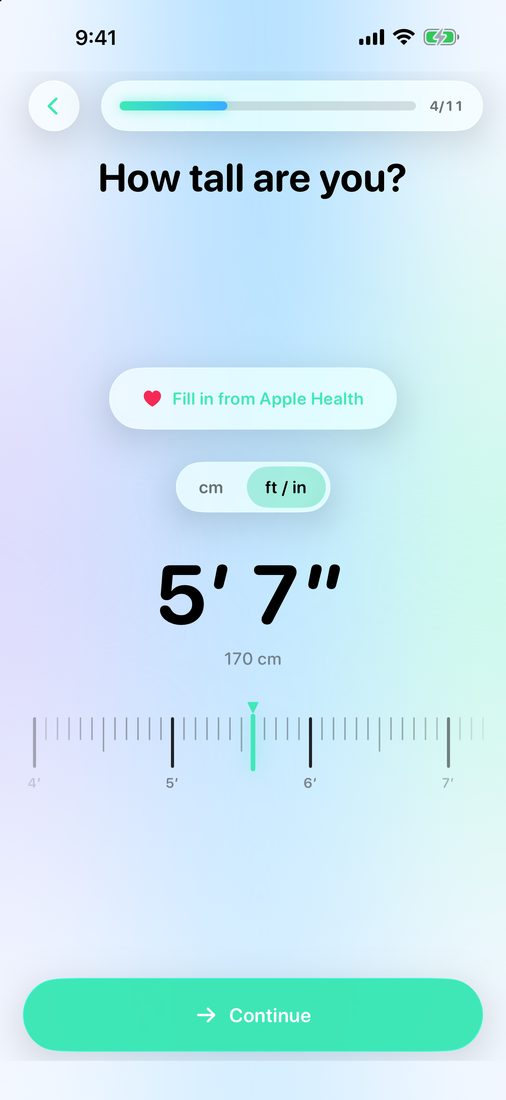
Tell us about you
Set age, height and weight on smooth haptic dials, in metric or imperial. Add how active you are, when you wake and sleep, and answer a short safety check.
No trackers, no data sold, and private AI that works on your device. LeanFast fits a plan to your body and your week, puts your safety first, and can start and end each fast on Autopilot.
Free to use. No account needed. In 18 languages.
No ads to scroll past, no data to sell, and challenges that reward consistency, never longer fasts. Just a rhythm that fits your life.
No advertising, no tracking, your data never sold, and no account needed for any free feature.
Ask Coach answers on your device, so your questions never leave it, and Lens reads labels and barcodes there too.
A short health check adapts your plan, help is one tap away, and challenges never push you to fast longer.
Onboarding, the Fasting 101 cards and Help cite their studies, on hunger, sleep, protein, water and habits.
LeanFast suggests Spark, Flow or Blaze, then you shape each day on a 24-hour dial, rest days included.
Each planned fast can start and end on its own, or you can tap Start fast right in the evening reminder.
Works with VoiceOver, Dynamic Type at every size and Reduce Motion.
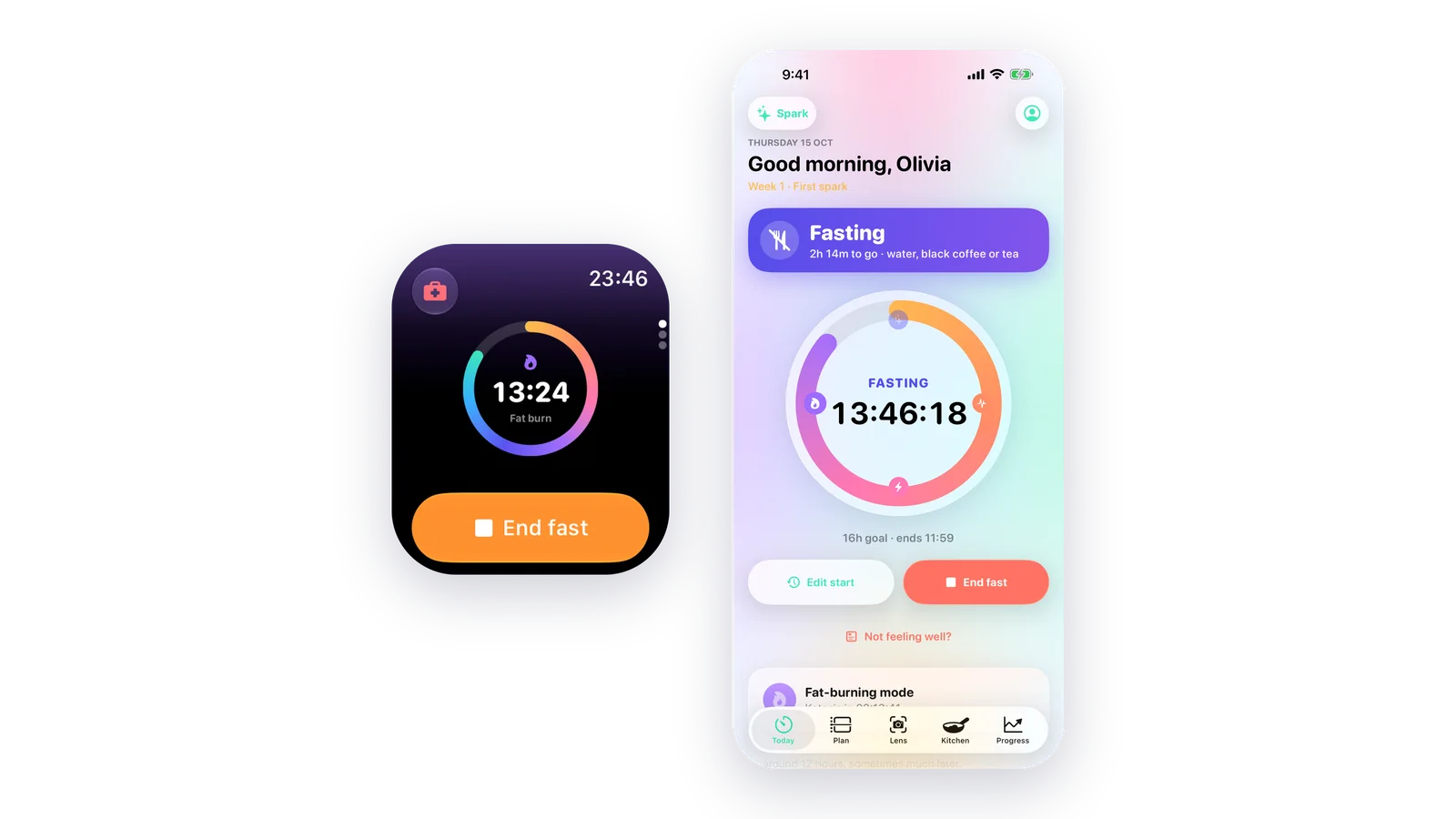
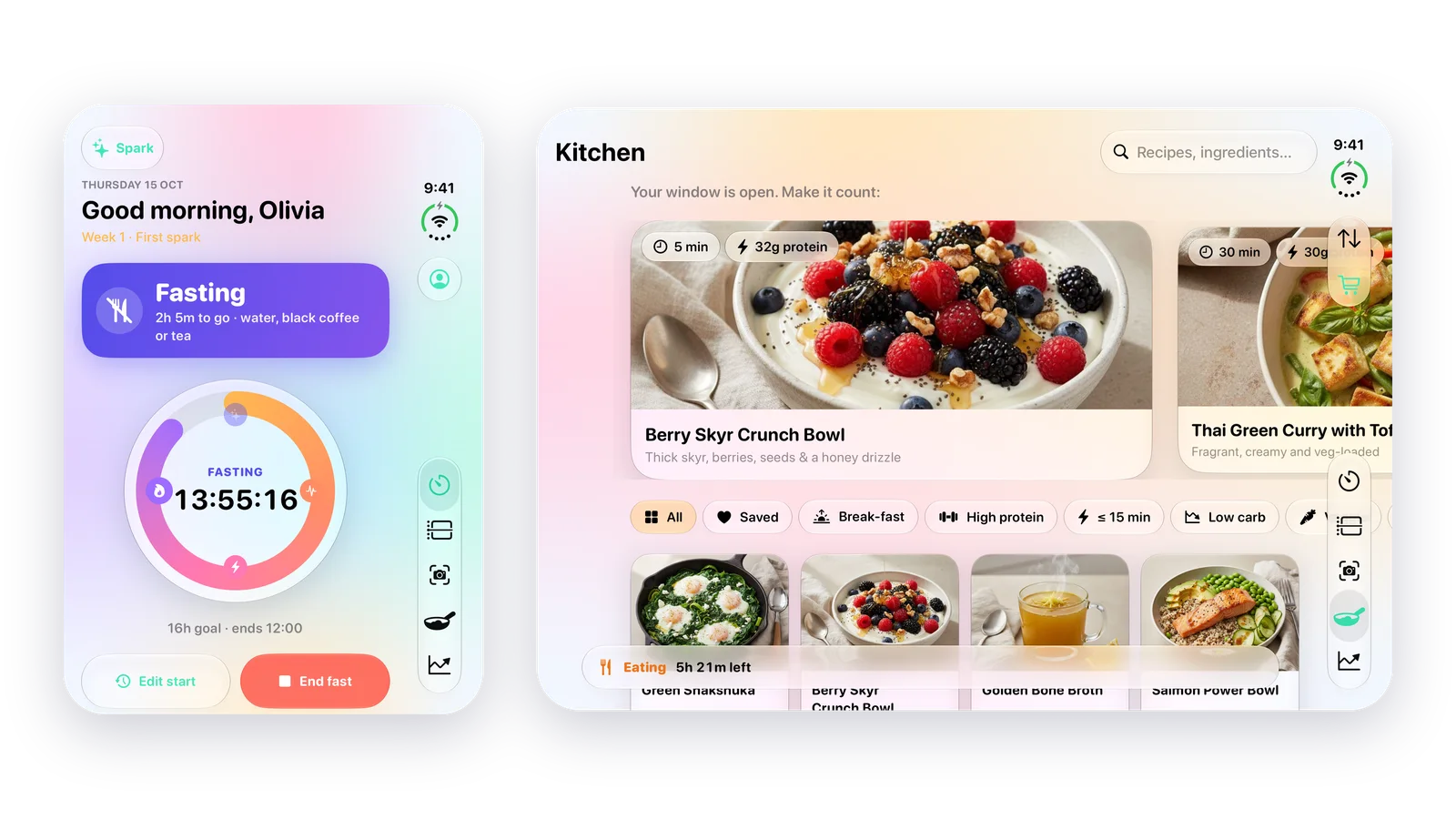
Runs on iPhone, iPhone Duo, iPad and Apple Watch.
No guesswork and no one-size-fits-all 16:8. Answer a few questions and LeanFast builds a plan that fits your body and your day.
Set age, height and weight on smooth haptic dials, in metric or imperial. Add how active you are, when you wake and sleep, and answer a short safety check.
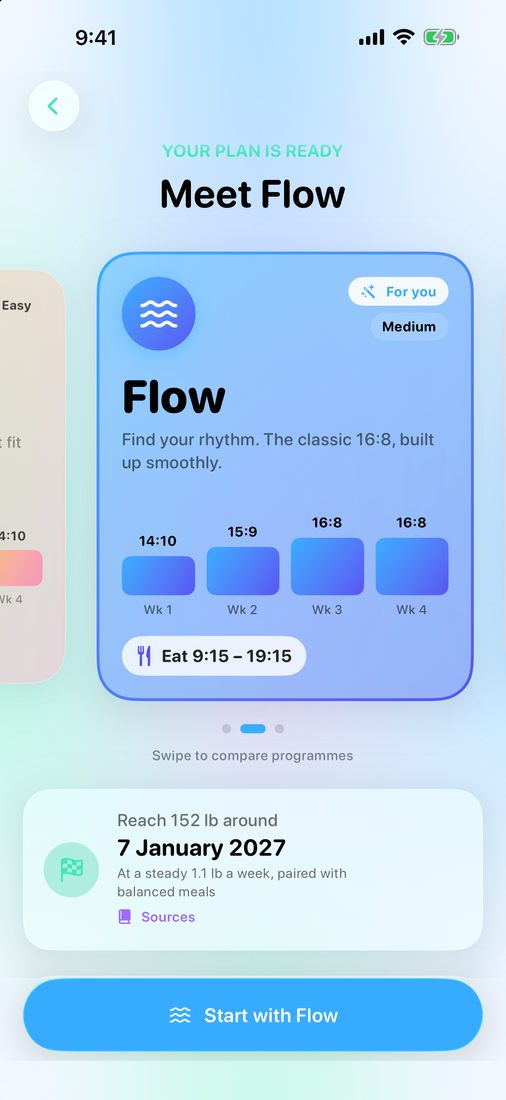
LeanFast recommends Spark, Flow or Blaze and places your eating window in your day. It also shows a realistic date for reaching your goal.
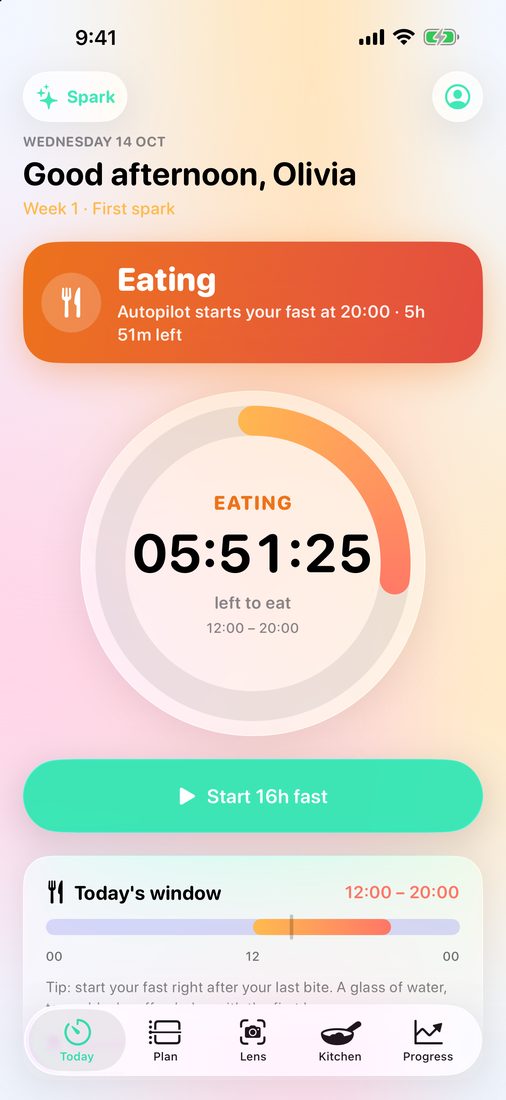
One big word tells you where you are: Fasting, Eating or Not fasting. Start from the evening reminder, or let Autopilot do it for you.
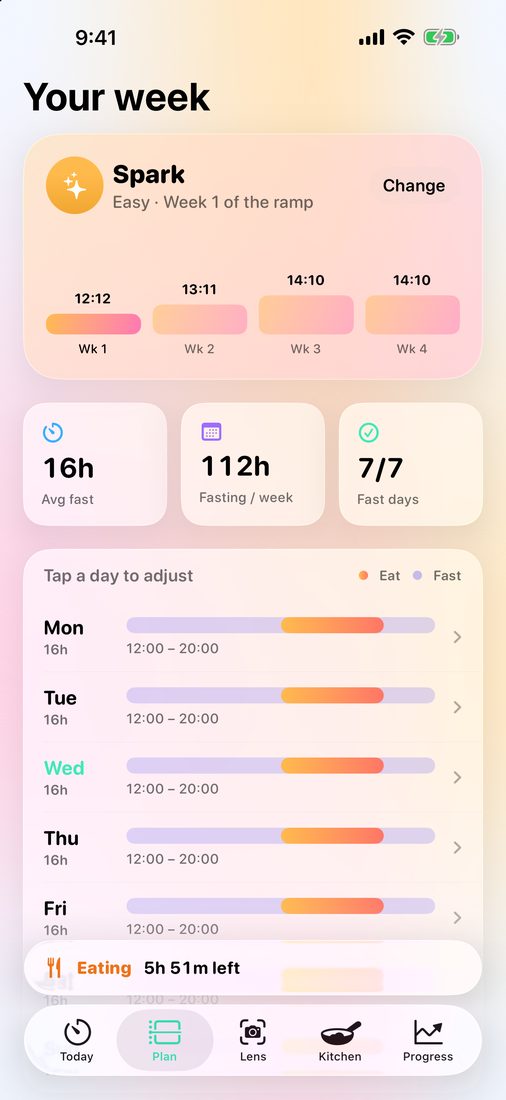
Each programme eases you in over four weeks, so your body adapts without the crash. You can switch programmes at any time.
Begin gently. An overnight fast that grows by an hour at a time.
Find your rhythm. The classic 16:8, built up smoothly.
Go further. Longer fasts for a clear fat-loss goal.
Brunch on Sunday? A late dinner on Friday? Drag a day's window on a 24-hour dial and the rest of your week stays put.
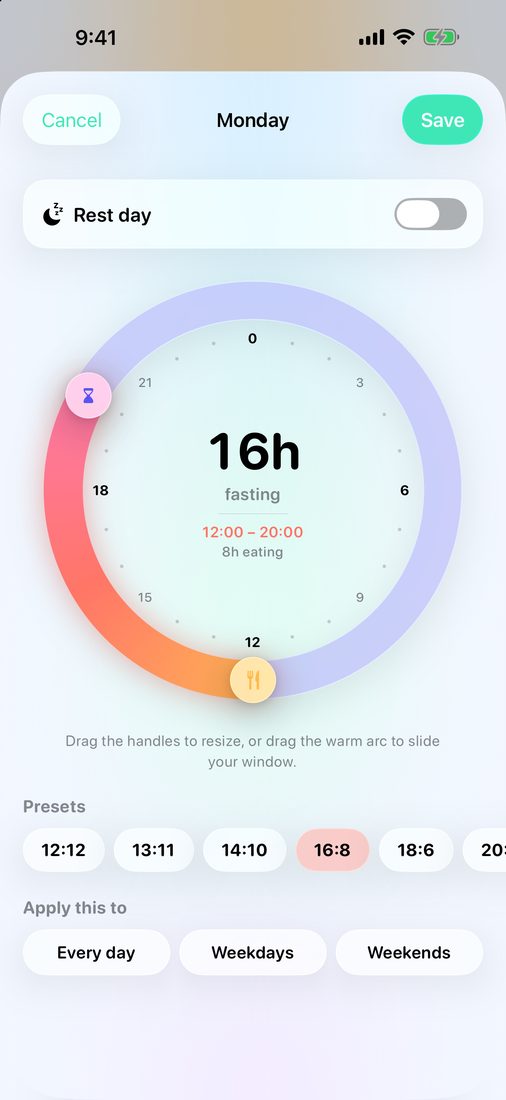
Turn it on and each planned fast starts as your eating window closes, then ends when the next one opens. There's nothing to press.
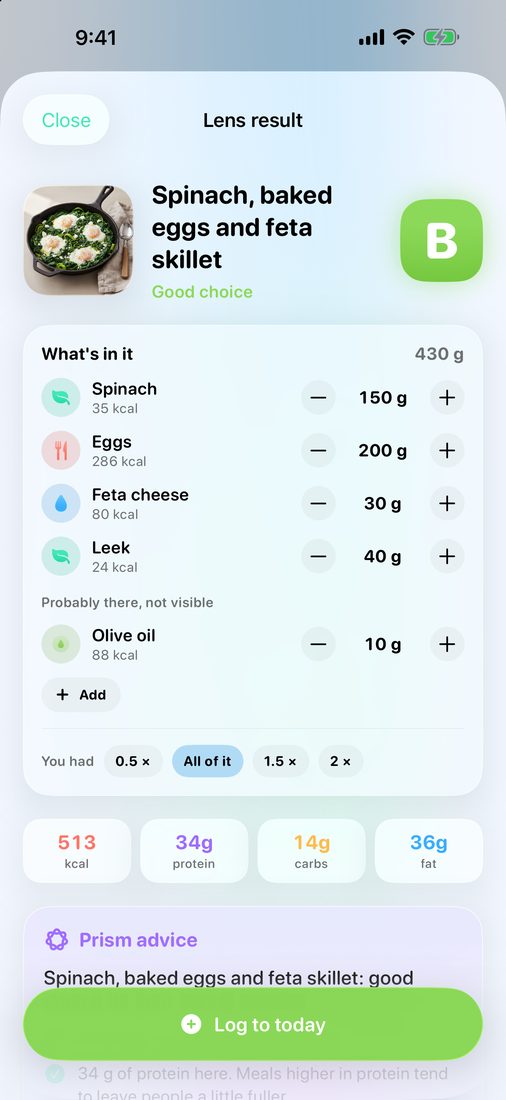
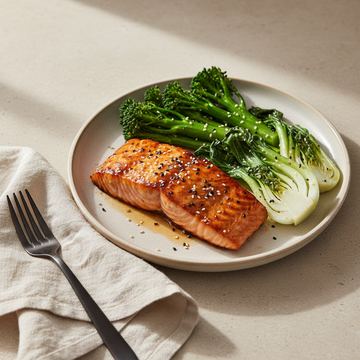
Lens understands three things: a plated meal, a nutrition label and a barcode. Every result gets a Fast-Friendly grade from A to E, plus advice for your eating window.
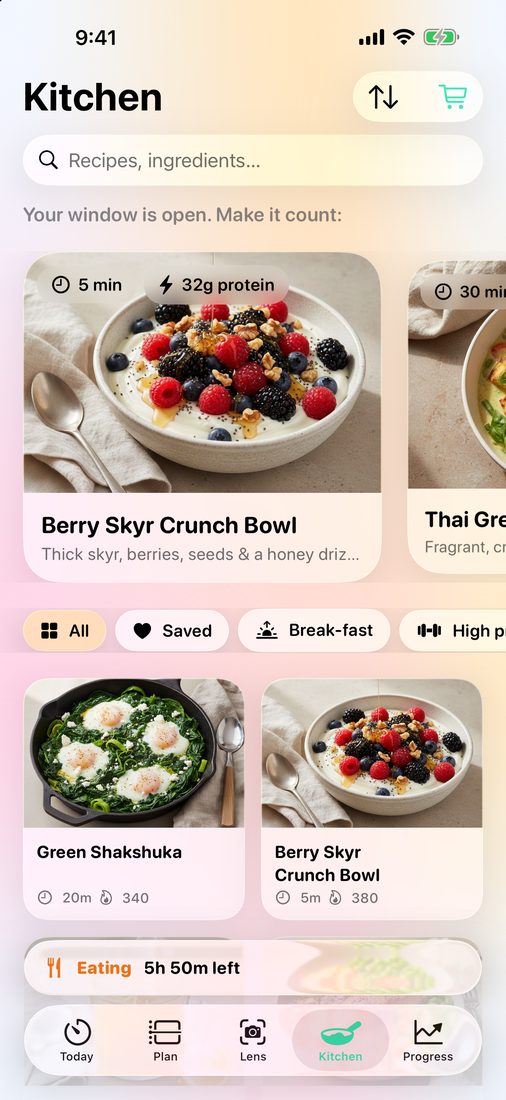
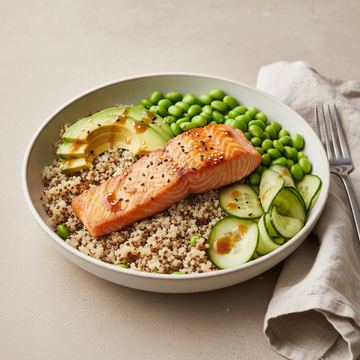
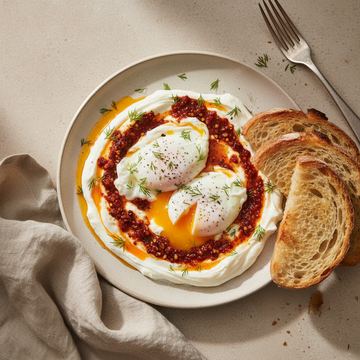
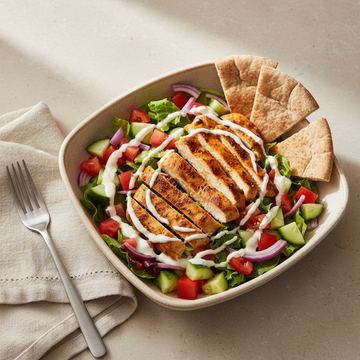
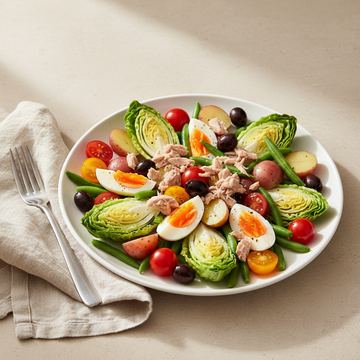
Kitchen suggests recipes that suit the moment, like a gentle break-fast when your window opens. Coach answers your questions, and Progress turns your data into a trend you can trust.
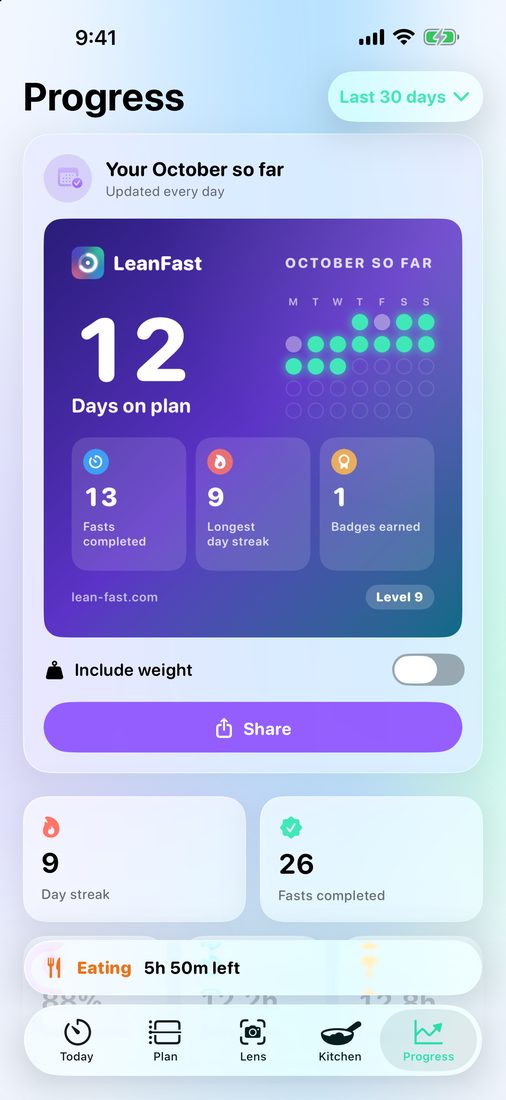







Weekly challenges and Rhythm levels reward consistency, water and logging. Never longer fasts.
A fresh set every week rewards consistency, water and logging.
Steady days, water and logging earn points that lift your level. Fasting longer earns nothing extra.
For streaks, milestones, hydration, weekly wins and comebacks. Stopping for your health never costs you one.
A look back at your month, on a card made to share.
Friendly nudges through the day, never while you sleep. Log a glass right from the notification.
Stop because you feel unwell and your streak stays. With Prism, Streak Shields cover the days life gets busy.
Start and end fasts, watch the stage ring fill, log water and check your stages, without reaching for your phone.
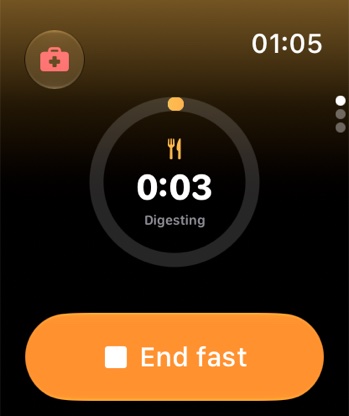
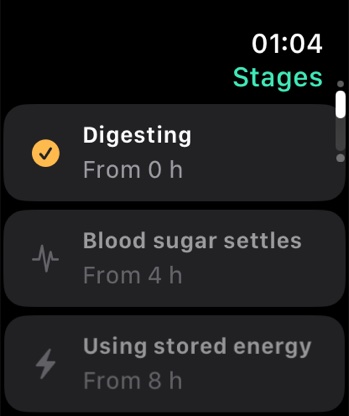
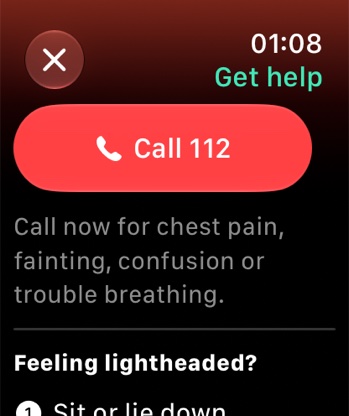
Fill in your height, weight, activity and sleep in one tap. Weigh-ins from your smart scale appear automatically, and the weight and water you log are saved to Health.
VoiceOver labels throughout, Dynamic Type at every size with layouts that reflow, and Reduce Motion respected.
English, Deutsch, Français, Español, Italiano, Português, Català, Русский, العربية, 简体中文, 日本語, 한국어, Türkçe, Bahasa Indonesia, Bahasa Melayu, हिन्दी, Nederlands and Polski, including every recipe, food name and coach message.
The timer marks each stage as you reach it, so the hard hours come with context and encouragement.
Energy comes from your last meal while insulin is elevated.
Insulin falls back. Hunger comes in waves that usually pass in 15–20 minutes.
Your liver releases glycogen to keep blood sugar steady.
Your body leans more on fat for fuel. Many people call this the metabolic switch.
Ketones begin to rise, and some people notice steadier focus and fewer cravings.
Fat is a main fuel. Keep drinking water and add electrolytes if you feel lightheaded.
Research links longer fasts with more cellular clean-up. This is for experienced fasters only.
Timings are typical and vary from person to person. This is general wellness information, not medical advice.
Onboarding facts, the first-week Fasting 101 cards and the science answers in Help all cite their studies. Body-stage notes stay careful, with words like “many people” and “tends to”.
Onboarding includes a short safety check. If you're under 18, pregnant or breastfeeding, or have a history of disordered eating, LeanFast won't create a fasting plan. It offers a gentle mode with no fasting at all instead. If you take medication for diabetes or have another condition, your plan is capped at a 12-hour overnight fast and we suggest talking to your doctor.
Check your fast on your Lock Screen, your wrist or your iPad.
A countdown on your Lock Screen and in the Dynamic Island, without opening the app.
See your ring, the time left and your current stage wherever you look.
Say “Start my fast in LeanFast”. It works hands-free.
Start or end a fast from Control Centre with one tap.
Split View, resizable windows and a sidebar on iPad. On iPhone Duo, the layout adapts as you fold and unfold.
Want your plan, fasts, water and weight on all your devices, and safe when you change phones? Sign in with an email code, no password.
Every free feature works without an account. If you choose to sync, your data is stored in the EU and only your account can read it. You can export or delete everything from Settings.
The plan, the planner, Autopilot, the timer and the widgets are free forever. LeanFast Prism adds Lens, Kitchen, Coach and deeper insights.
Every plan includes Family Sharing. Euro prices include VAT. US dollar prices are before sales tax. Prices in other regions follow the App Store's local pricing. Payment goes through your Apple Account.
You eat within a daily window, for example 8 hours, and fast for the rest, for example 16 hours. It's about when you eat rather than a strict diet. Many people find it an easier way to eat less and more mindfully.
It isn't right for everyone, and it's a decision to make with your doctor. LeanFast starts with a short safety check. If you're under 18, pregnant or breastfeeding, or have a history of disordered eating, it won't create a fasting plan and offers a gentle mode with no fasting instead. If you take medication for diabetes or have another condition that needs medical supervision, your plan stays at a 12-hour overnight fast. Please talk to your doctor before you start. LeanFast gives general wellness information, not medical advice.
No, and it never will. There are no ads, no analytics or tracking tools, and your data is never sold. Every free feature works without an account, and Prism is an optional upgrade.
Yes. Ask Coach answers on your device. On an iPhone or iPad with Apple Intelligence (iPhone 15 Pro and later, for example), Apple's on-device model writes the answer from LeanFast's own notes. On other models, you get the matching hand-written note. Your questions never leave your device, and questions about symptoms, pregnancy, medication, eating disorders or a crisis always get a fixed, hand-written answer. Lens reads labels and barcodes on your device, and meals there too by default. Smart Lens is optional and asked once: a cloud AI in Europe names the dish, and your photo is reduced, stripped of metadata, not stored and not used for training.
You don't have to decide. LeanFast looks at your experience, activity, age, BMI and goal and recommends one. You can compare all three on the plan screen and switch at any time.
Yes, if you want it to. Turn on Autopilot in Settings and each planned fast starts as your eating window closes and ends when the next one opens. Skipping a night takes one tap, and you can still start, end or change any fast yourself. Rather press Start? Tap Start fast right in the evening reminder.
No. Every free feature works on your device without one. An account, made with a 6-digit email code and no password, keeps your plan, fasts, water and weight on all your devices and safe when you change phones, with your data stored in the EU.
iPhone and iPad with iOS or iPadOS 26.1 or later, including iPhone Duo, where the layout adapts as you fold and unfold. On iPad you get Split View, resizable windows and a sidebar. The Apple Watch app needs watchOS 26 and has complications for your watch face. Sign in to keep your plan and history the same on every device.
Yes. The Watch app shows your stage ring and lets you start and end fasts, log water and see your stages, with complications for your watch face. It keeps working when your iPhone is out of range and syncs once it's back. If you feel unwell, it stops your fast and calls your local emergency number in one tap.
Yes. Lens reads EU and US nutrition labels in English, French, German, Spanish, Italian, Portuguese and Dutch, and recognition runs on your device. For sharper meal recognition you can turn on Smart Lens, a cloud AI in Europe that names almost any dish. Your photo is reduced, stripped of metadata, not stored and not used for training. Barcode lookups that aren't in the built-in database ask Open Food Facts for the barcode number only.
Black coffee, plain tea and water are generally fine. Milk, sugar and most “diet” extras aren't. Scan them with Lens and it tells you whether they break your fast.
If you choose to. LeanFast can read your height, weight, steps and sleep to set up your plan and keep your weight chart current, and it saves the weight and water you log. You pick each data type in Apple's permission screen, and Health data is never used for ads or shared.
Tap “Not feeling well?” on the Today screen, or “I don't feel well” in Settings or on your Apple Watch. LeanFast stops your fast, shows simple recovery steps, and offers a one-tap call to your local emergency number. It knows the number for 234 countries and territories, and uses 112 elsewhere. Your streak is protected.
Monthly and Yearly both start with 7 free days, one free week per Apple Account. We remind you on day 5, and if you cancel before day 7 you pay nothing. Manage it in Settings › your name › Subscriptions on your iPhone or iPad.
English (US and UK), German, French, Spanish (Spain and Latin America), Italian, Portuguese (Brazil and Portugal), Catalan, Russian, Arabic, Chinese (Simplified), Japanese, Korean, Turkish, Indonesian, Malay, Hindi, Dutch and Polish, including every recipe and coach message. In Arabic, the app reads from right to left. The app follows your device's language and uses English for any other language.
LeanFast is on the App Store for iPhone, iPad and Apple Watch. Questions or ideas? We'd love to hear them.